25 October 2026 · social · development
Introducing Lore: write freely, with culture at your side
A quiet notebook that looks things up for you while you write, powered by the TEV Research Engine.
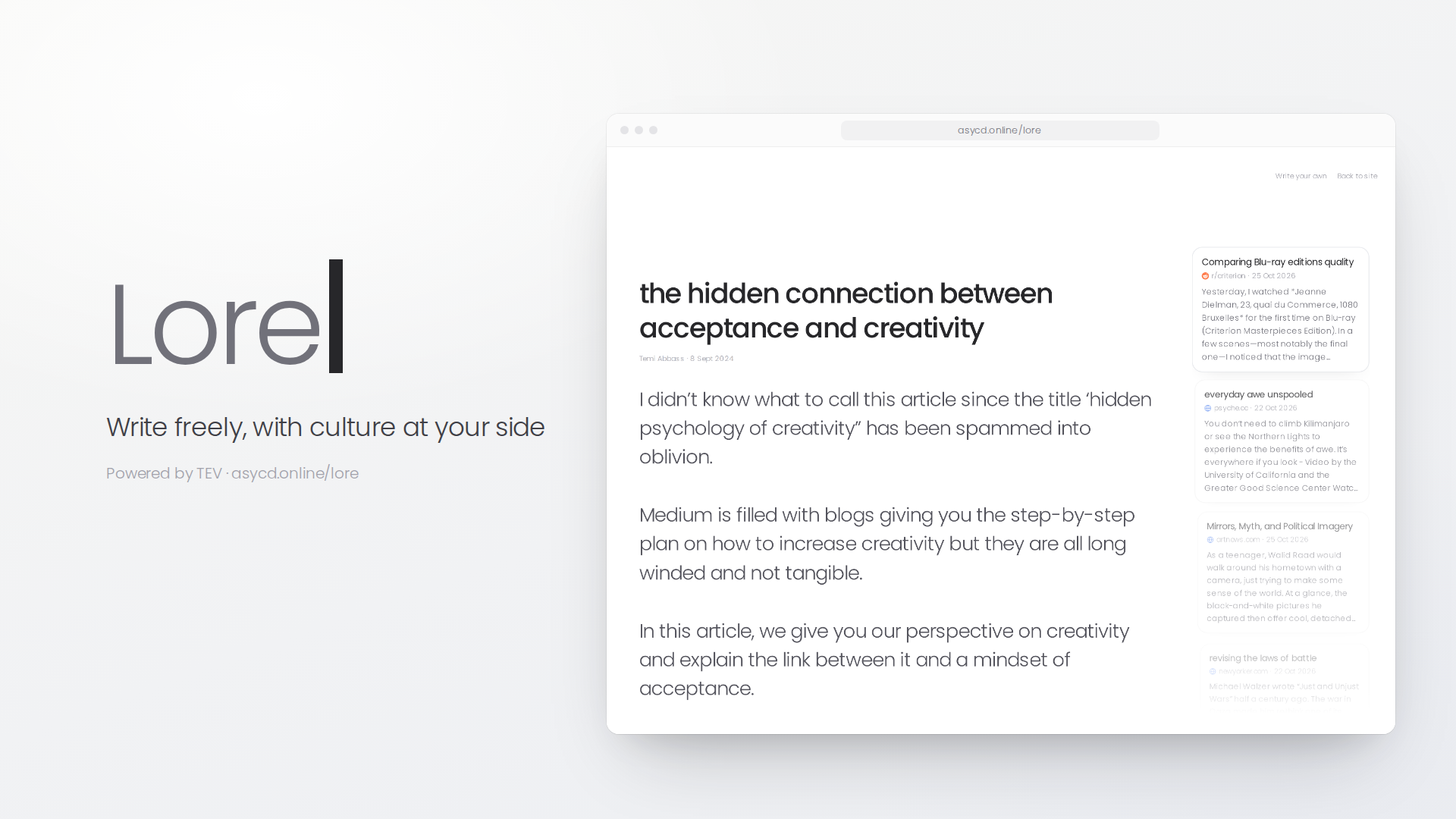
I've been writing consistently for over four years. The hardest part has never been the writing. It's staying in flow while finding the research, stories and context that make a piece worth reading. Lore is what I built to fix that, and today I'd like to show you how it works.
The problem
Every writer knows the loop. You get an idea, open a new tab to check something, then another, and twenty minutes later the idea has gone cold under a pile of search results.
Or you open your favourite LLM and ask it for inspiration over and over, switching between it and wherever you actually write. Neither of these keeps you grounded in the writing itself. You end up managing tools instead of thinking.
Introducing Lore
Lore is a distraction-free notebook that finds thematically relevant stories from the internet as you type. There are no templates, no prompts to fill in and no blank-page wizard. It's just you and the page.
While you write, Lore reads along and brings up tiles: real stories from around the web that connect to what you're saying. It doesn't write for you. It's built for people who want to do their own thinking, but want the world's context within reach while they do it.
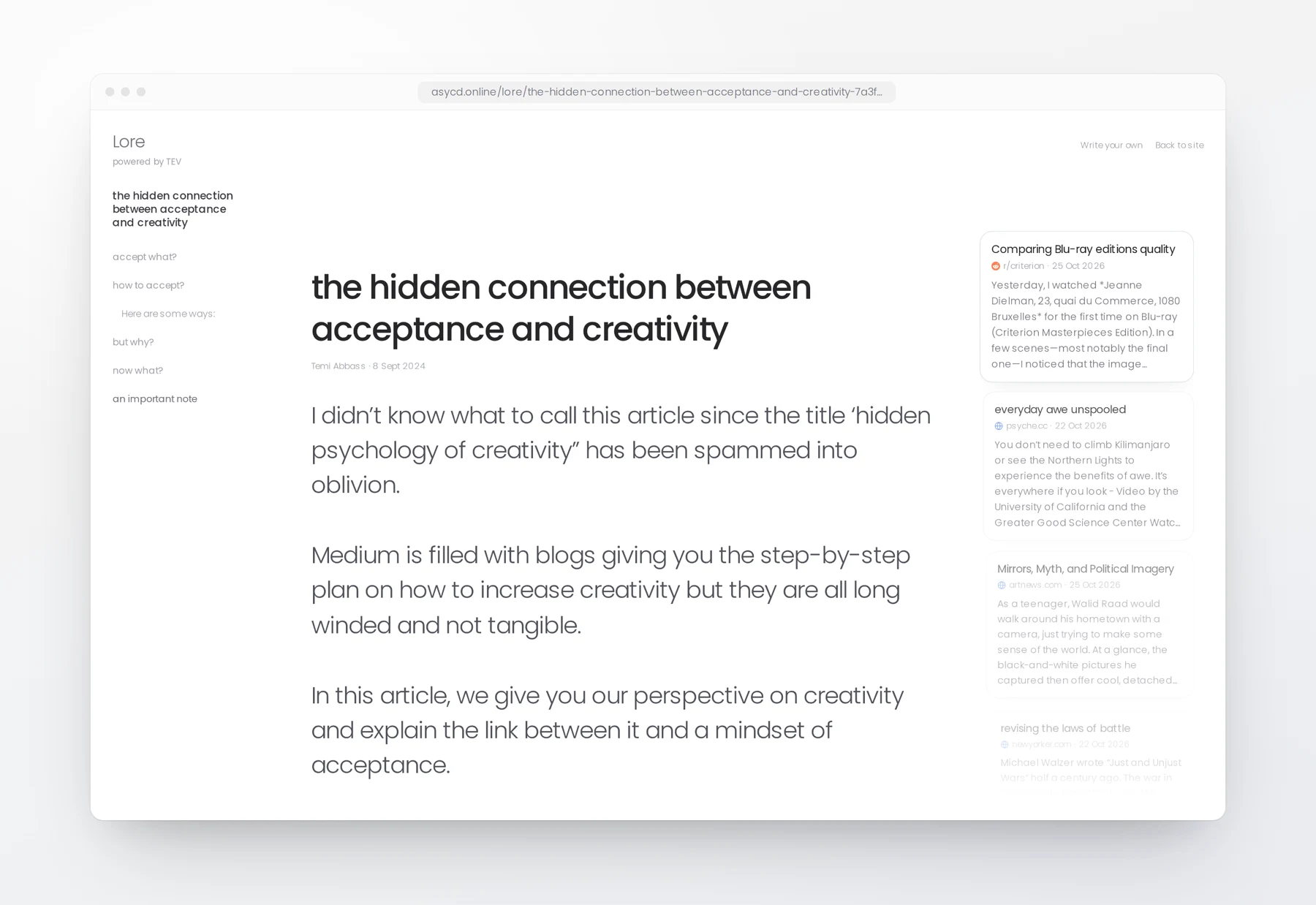
A walk through the features
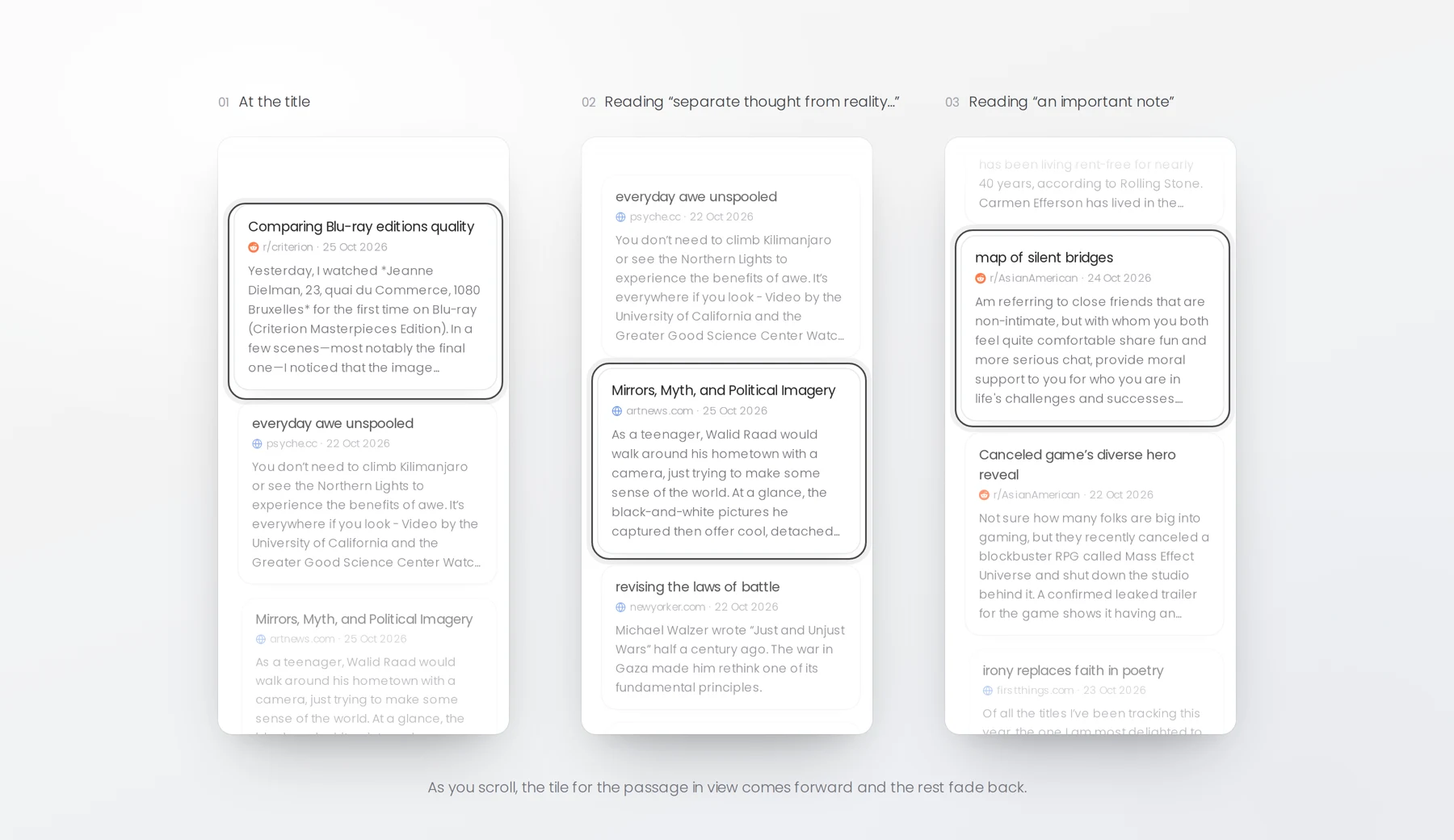
Tiles that follow your scroll
The tile column moves with the page like a wheel. As you scroll, the tile for the passage you're reading comes forward and the others fade back, so the context always sits next to the words it belongs to.
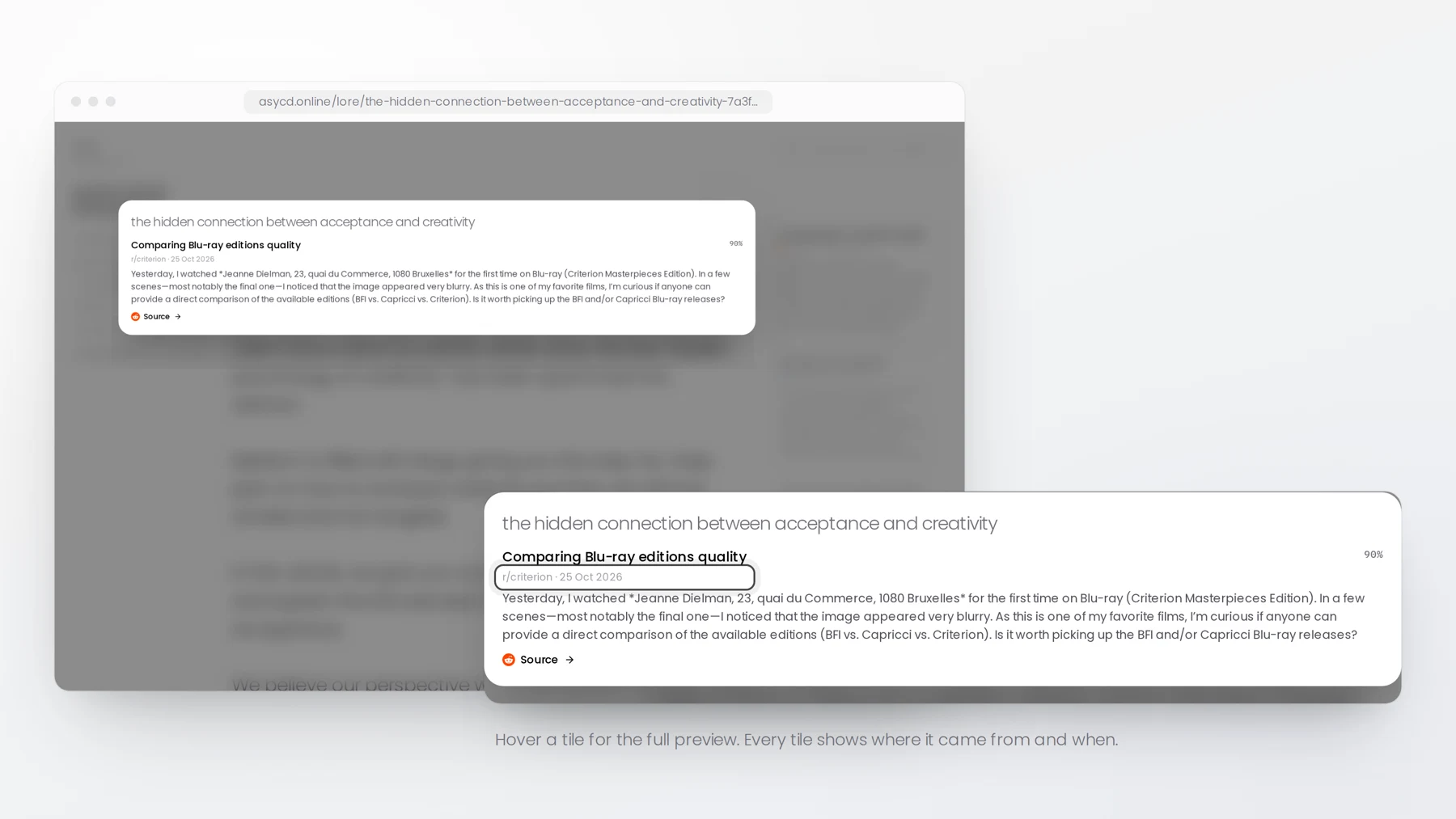
Source and date, at a glance
Every tile shows where it came from and when. Hover over one and you get a fuller preview with the snippet and a link to the source, so you can decide whether it's worth a closer look without leaving the page.
Formatting that stays out of the way
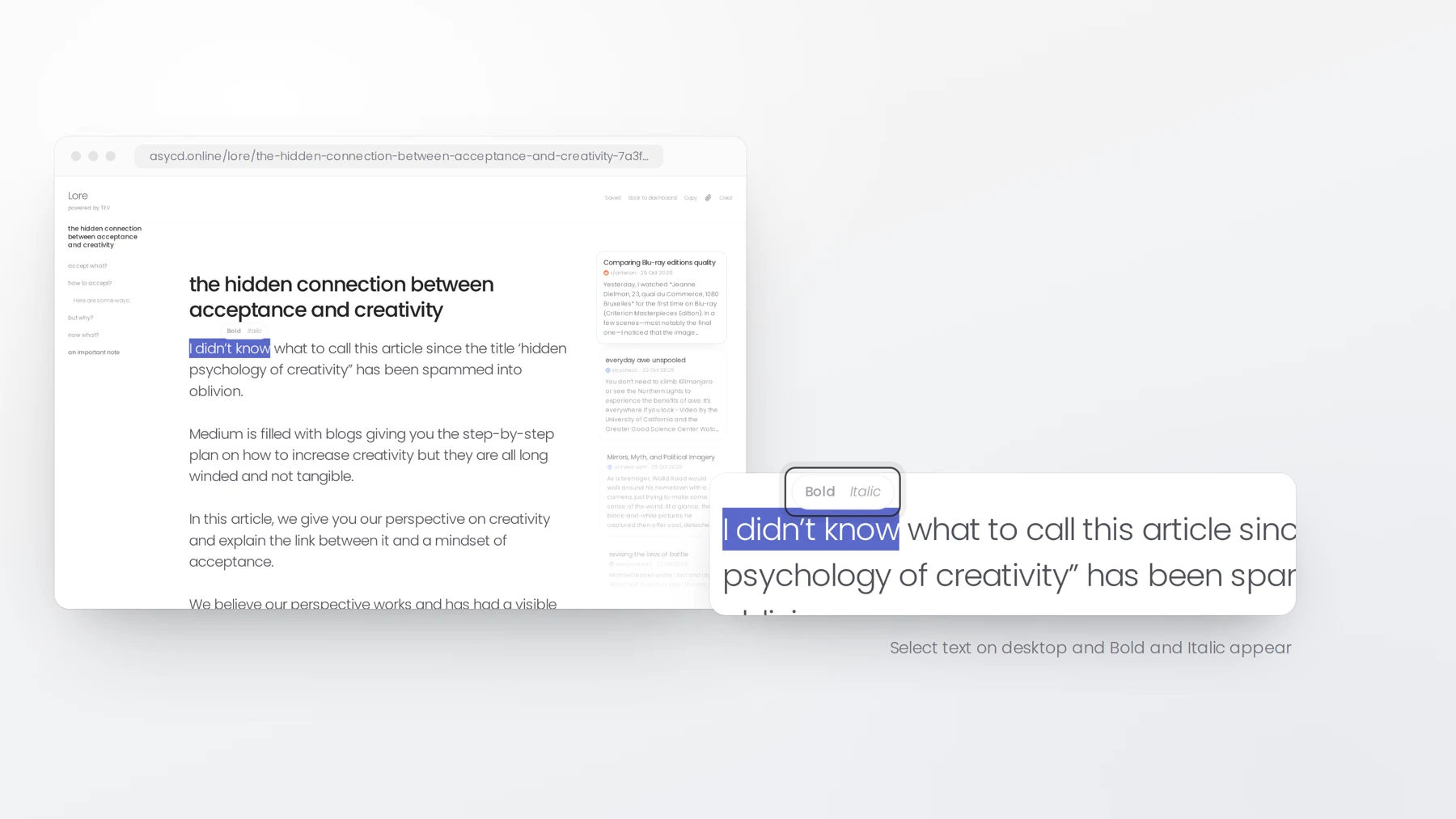
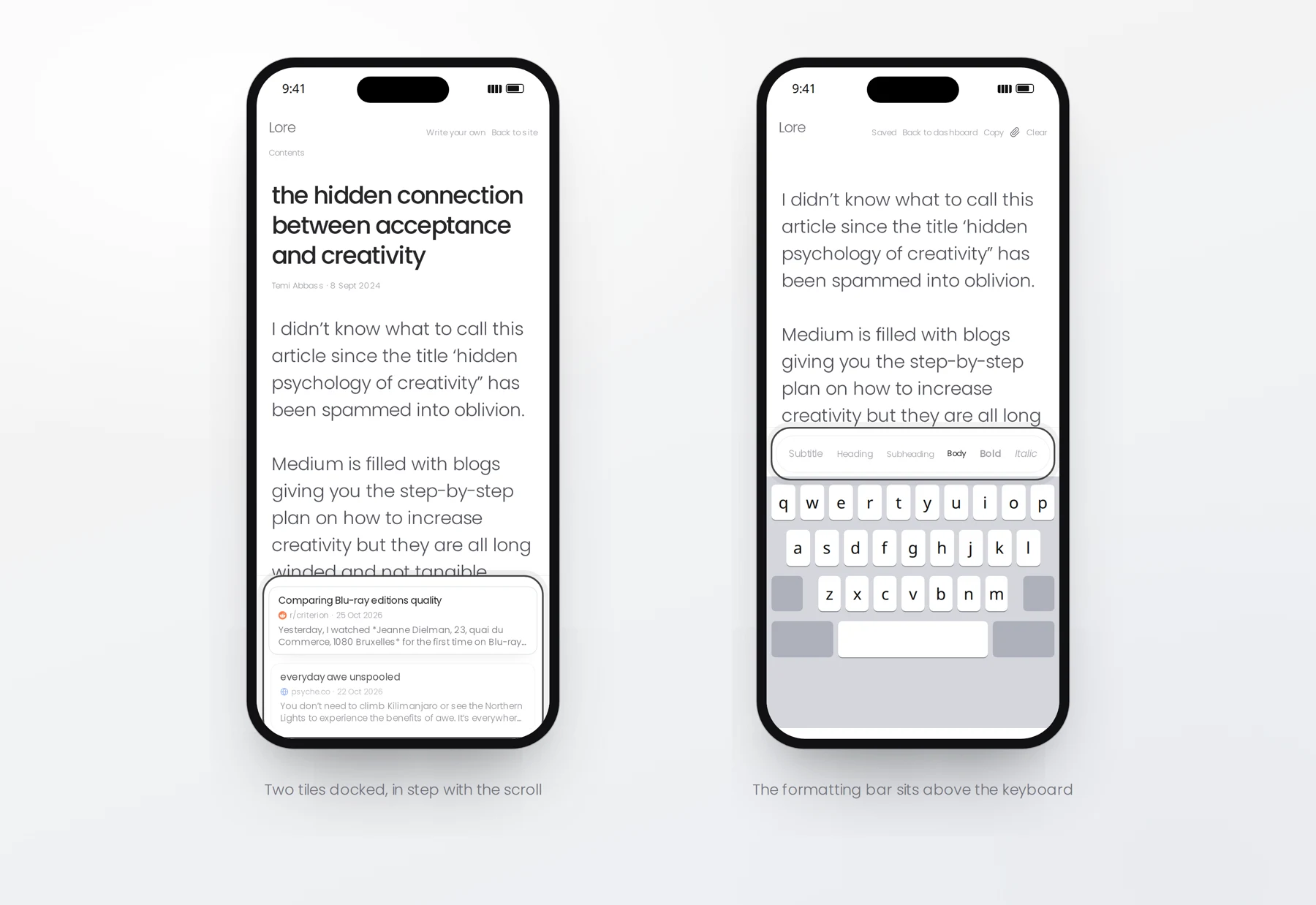
There's no toolbar sitting over your work. On desktop, select some text and Bold and Italic appear. On mobile, a slim formatting bar sits just above the keyboard, and two tiles stay docked at the bottom of the screen, keeping in step as you scroll.
How TEV powers it
Lore runs on TEV, the cultural layer we've been building at Asycd. TEV maps how themes, emotions and ideas move through culture, drawing on sources from music and film to fashion, politics and internet culture.
As you write, Lore sends your text to the TEV Research Engine two sentences at a time, and your title goes in as its own query. That's why each part of a piece ends up with its own set of tiles, and why the wheel can line them up with the right passage.
The same engine powers our image generation and the Research Engine, so every time TEV learns something new, you see it in real time as you write.
Sharing
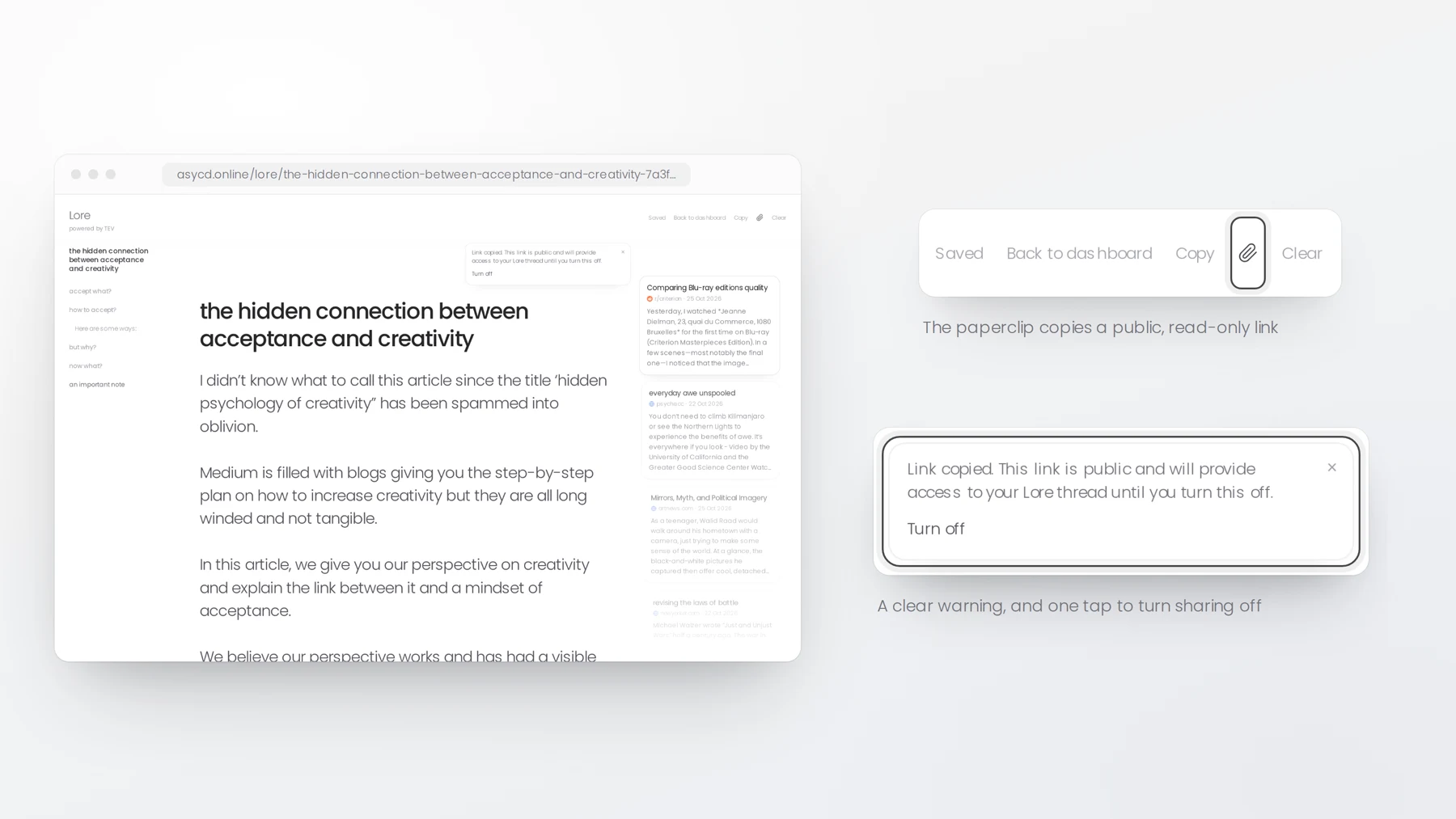
When a piece is ready, tap the paperclip. It copies a public, read-only link to your thread. Lore tells you plainly that anyone with the link can read it until you turn sharing off, and it puts the option to turn it off right there.
Shared threads show the tiles you saved, so readers see your writing alongside the context that shaped it. Thread URLs include the title, so a link tells people what they're about to read.
Your threads save automatically to your Asycd ID account, and you can find them all on your dashboard.
Where we are now
Lore is live today in an early form, and we're building it in the open. Here's what's next:
- Asycd ID as one account across all our products, so your writing follows you everywhere.
- Revision history, so you never lose a draft.
- Contents pages and references generated automatically from your writing and the tiles you pin.
- Export to Google Drive, Notion, PDF and more.
Lore is for people who write: creatives working through an idea, founders putting their thinking down, and bloggers who want their posts to say something about the moment they're written in. If that's you, I'd love for you to try it.
Lore is free to use right now. Start writing at asycd.online/lore.
Temi Abbass, Founder, Asycd